
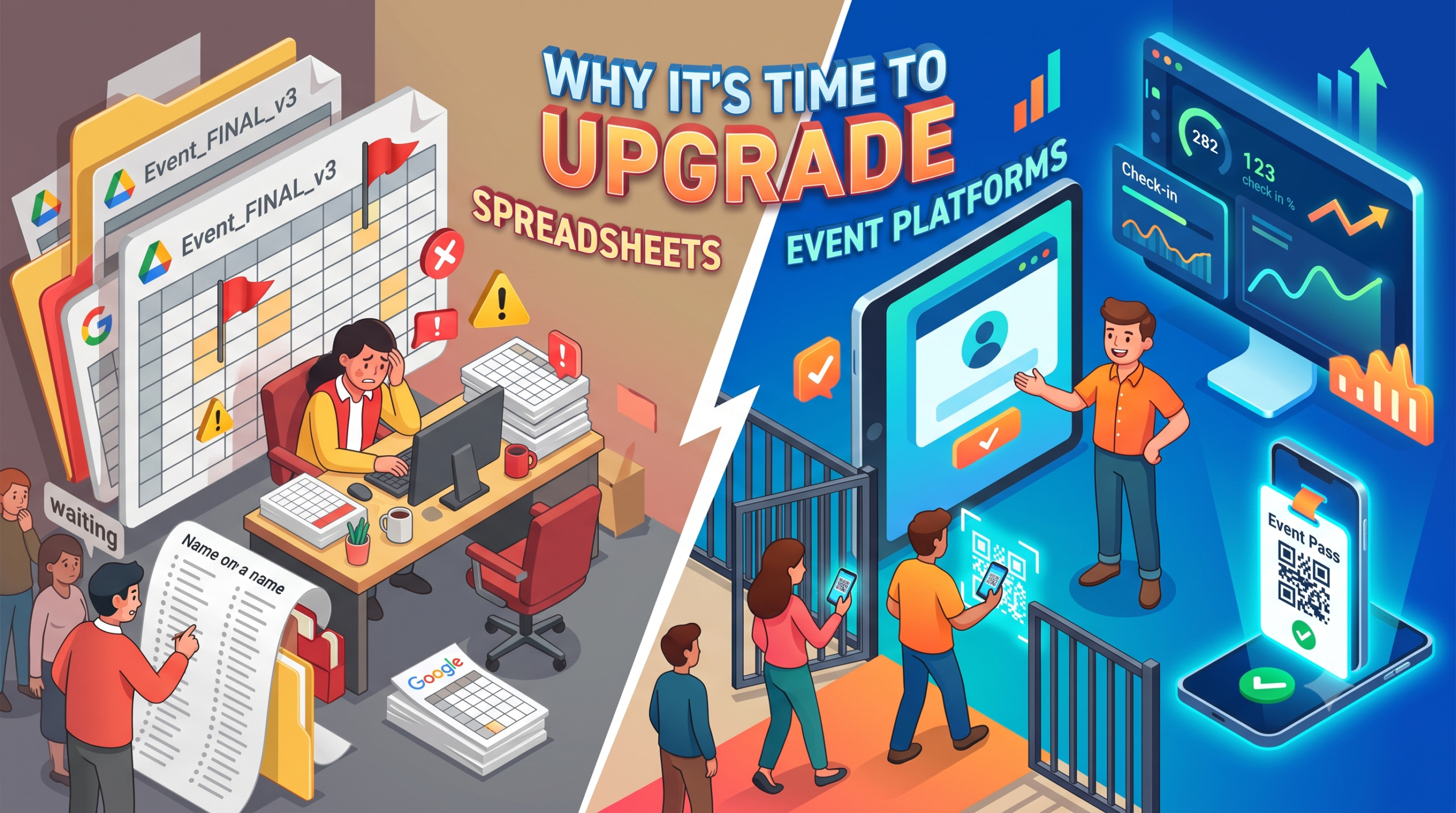
Raise your hand if this is familiar: a Google Sheet named “Event_FINAL_v3_USE_THIS_ONE,” three people editing it at once, and a guest at the gate insisting they registered even though their row has mysteriously vanished.
If that hits a little too close, you’re not alone, and you’re not doing anything wrong. Spreadsheets just were not built for this job. An events registration platform was. This blog breaks down the switch honestly, column by column, so you can decide for yourself.
The Honest Scorecard: Spreadsheets vs. Events Registration Platform
Let’s skip the sales pitch and just compare, point by point.
Setting up registration
- Spreadsheet: You build a form, link it to a sheet, and hope nobody breaks the formulas.
- Events registration platform: A ready page collects details, payment and ticket type in one go.
Confirming a guest
- Spreadsheet: Someone manually messages or emails each person back.
- Events registration platform: Confirmation and a QR code go out instantly, often straight to WhatsApp.
Catching duplicate entries
- Spreadsheet: You spot them, if you’re lucky, while scrolling at midnight.
- Events registration platform: The system flags them automatically at registration or scan.
Verifying someone at the door
- Spreadsheet: A staff member searches a printed list for a name.
- Events registration platform: A two-second QR scan confirms identity and ticket type together.
Knowing your headcount mid-event
- Spreadsheet: Nobody actually knows until someone counts manually.
- Events registration platform: A live dashboard shows check-ins as they happen.
See the pattern? It’s not that spreadsheets are “bad.” It’s that they stop being useful exactly when you need them most, on event day, with a line of real people waiting.
Why Should You Switch From Spreadsheets to an Events Registration Platform?
You should switch because an events registration platform automates the parts of registration that spreadsheets force you to do by hand: confirming guests, catching duplicates, verifying identity, and tracking who has actually arrived. It turns registration from a side job you squeeze in between calls into something that runs itself, while giving you more accurate data than a spreadsheet ever could.
Here’s the thing nobody tells you: switching isn’t really about looking modern. It’s about getting your evenings back the week before an event.
A Day in the Life: Running Registration the Old Way vs. the New Way
7:00 am, spreadsheet version: You open three tabs because two teammates made their own copies. You start reconciling names.
7:00 am, platform version: You open one dashboard. Everything from last night’s sign-ups is already sorted.
2:00 pm, spreadsheet version: A guest calls asking if their payment went through. You scroll, search, and eventually find their row, maybe.
2:00 pm, platform version: You search their name once. Payment status, ticket type and QR status are right there.
6:30 pm, spreadsheet version: Gate staff are reading names aloud from a printout, guests are getting restless, and someone’s name is spelled wrong.
6:30 pm, platform version: Staff scan QR codes. Guests barely slow down.
9:00 pm, spreadsheet version: You manually count how many people actually showed up.
9:00 pm, platform version: The dashboard already told you, in real time, hours ago.
Same event. Two completely different evenings.
Pro Tip: If you only remember one thing from this blog, remember this: the real cost of spreadsheets isn’t the spreadsheet itself, it’s everything you have to do around it to make it behave like software.
Curious how your next event would run on a real platform? Talk to the AccessEase team for a quick walkthrough.
4 Signs You’ve Outgrown Your Spreadsheet
- You have a “naming convention” for your files. FINAL, FINAL_v2, FINAL_use_this. If this is you, your spreadsheet has already failed as a single source of truth.
- You’ve had a duplicate-entry scare. Even one guest turned away (or let in twice) by mistake is a sign the system, or lack of one, needs fixing.
- Someone asks “how many people have checked in?” and you genuinely don’t know. That question should have an instant answer, not a 20-minute investigation.
- Your event has grown, but your process hasn’t. What worked for 40 guests at a meet-up starts cracking at 400 guests for a conference.
What an Event Registration System Actually Automates
An event registration system (the engine behind a good events registration platform) automates data entry, confirmation, duplicate checking and identity verification, which together eliminate most manual errors.
Here’s specifically where the manual work disappears:
| Manual task on a spreadsheet | Automated on an event registration system |
| Typing guest details into rows | Guest fills their own form once |
| Sending confirmation messages one by one | Instant automated confirmation with QR code |
| Cross-checking names for duplicates | System flags duplicates automatically |
| Matching payments to names | Payment status recorded with the registration |
| Reading names aloud at the gate | QR scan confirms identity in seconds |
| Counting attendance after the event | Live dashboard counts in real time |
Every row you move from the left column to the right is time, and stress, you get back.
Where AccessEase Fits Into All This
AccessEase is built to be the thing you switch to, not another spreadsheet with a prettier interface. As an events registration platform, it combines the sign-up page, the confirmation, the QR pass and the check-in scan into one connected flow, so nothing has to be manually reconciled afterward.
What that actually looks like for you:
- Free and paid events, handled the same way. A small meet-up or a ticketed concert, no process change needed.
- WhatsApp-first confirmations. Guests get their QR code where they’ll actually see it.
- Access rules baked into the pass. Dining or VIP access travels with the QR code, not a separate note.
- Real-time registration and check-in data. No more guessing your headcount.
- Support for online and cash registrations. Built around how events actually happen in India, not just how they happen in a template.
This isn’t about replacing your spreadsheet with a fancier spreadsheet. It’s about not needing one at all.
Ready to see your event run without the 11 pm reconciliation session? Visit AccessEase and explore our product..
Which Event Registration Platforms Are Worth Considering?
Among event registration platforms, the ones worth considering are the ones that match how your events actually run, not the ones with the longest feature list. Prioritise instant QR confirmation, access control by ticket type, support for cash and online payments, and a support team that’s reachable while your event is live.
A short way to evaluate any shortlist:
- Does it replace manual work, or just digitise the spreadsheet?
- Does it work the way your guests already communicate (for most events in India, that’s WhatsApp)?
- Does it handle both free and paid, online and cash?
- Can you test a real scan before committing?
If a platform can’t answer “yes” to most of these, it’s not really solving the spreadsheet problem, it’s just relocating it.
Myth vs. Reality: Switching From Spreadsheets
Myth: “Switching to event signup software is a big, technical project.”
Reality: Setting up a registration page typically takes less time than building and testing a spreadsheet form with formulas.
Myth: “Spreadsheets are free, so they’re cheaper.”
Reality: They cost real hours, in data entry, reconciliation and gate-side confusion, that are easy to ignore because they don’t show up as a line item.
Myth: “My event is too small to need a platform.”
Reality: Small events are exactly where a QR-based, branded process makes the biggest difference to how professional the event feels.
Myth: “All platforms are basically the same.”
Reality: Support quality, payment flexibility and how well it fits local habits like WhatsApp and cash vary a lot between providers.
Conclusion
Spreadsheets will keep working, sort of, right up until the moment your event needs them not to. Upgrading to an events registration platform isn’t about chasing trends; it’s about removing the manual work that causes real errors and real stress on event day. AccessEase brings registration, confirmation, access control and check-in together in one system, built around how events actually run in India. Ready to stop reconciling spreadsheets at midnight? Visit AccessEase and book a demo.
Frequently Asked Questions
How does an events registration platform reduce manual data entry errors?
An events registration platform (AccessEase) reduces manual data entry errors by letting guests enter their own details once, automatically flagging duplicate entries, and recording payment status directly with each registration. This removes the retyping and cross-checking that usually causes mismatched names, missed payments and incorrect entries on a spreadsheet.
What are the leading events registration platforms in India?
The leading event registration platforms in India are the ones built around local behaviour: WhatsApp-based confirmations, support for cash alongside online payments, and responsive support during live events. AccessEase is one such events registration platform, offering QR-based entry, access control and real-time tracking for both free and paid events.
Can events registration platform with my CRM?
Many event registration platform tools like AccessEase can sync with a CRM, usually through built-in integrations or an API, so registration data flows into your existing sales or marketing system automatically. If CRM sync matters for your workflow, confirm the specific integrations available with your chosen provider before committing. [VERIFY AccessEase’s current CRM integration options with the team.]