
Choosing the wrong tool costs you attendees before your event even starts.
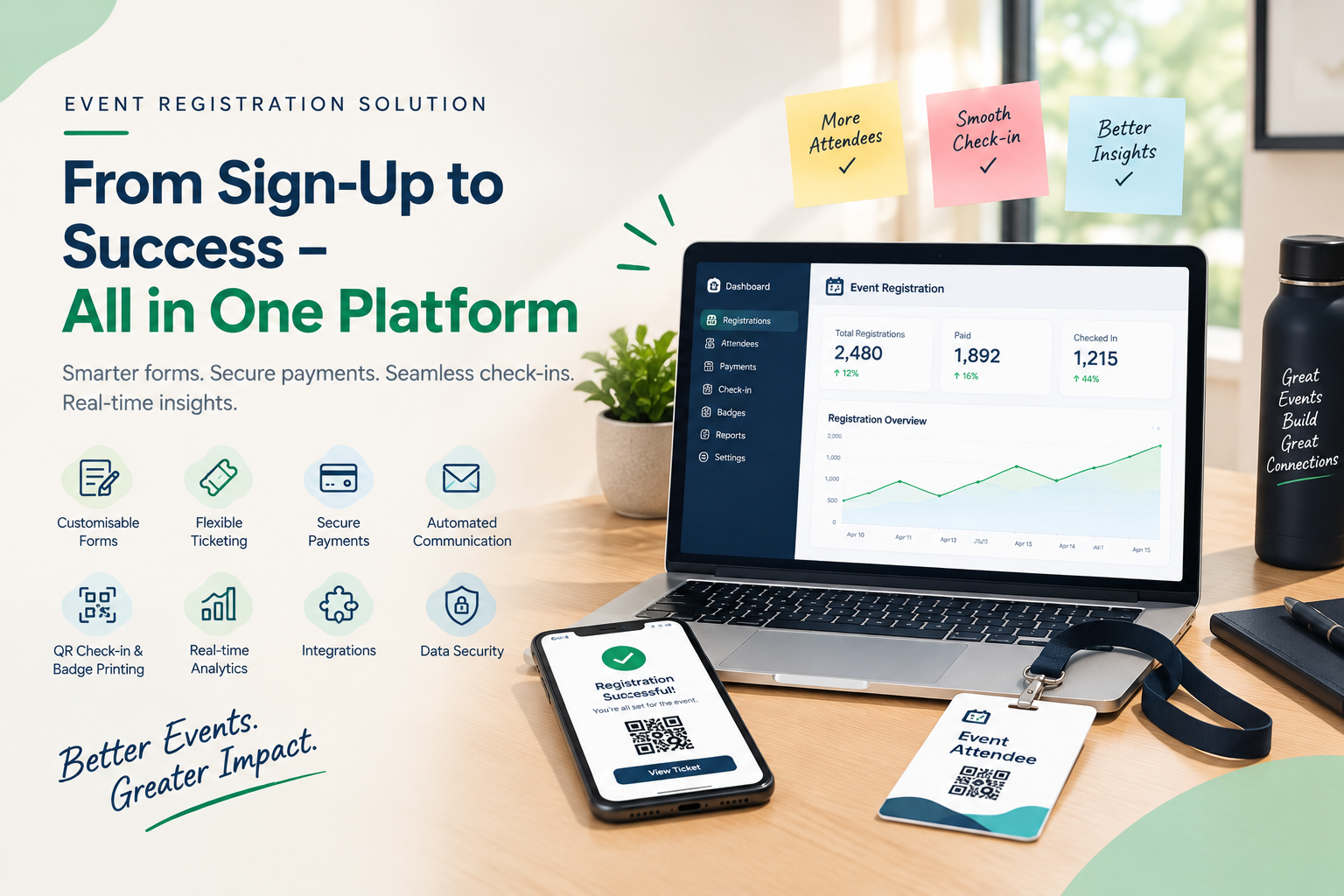
An effective event registration system combines flexible forms, secure payments, automated reminders, QR check-in, badge printing and real-time analytics in one platform. These features cut manual work, reduce errors and give attendees a smooth journey from sign-up to entry.
With so many tools on the market in 2026, how do you separate the ones that genuinely help from the ones that only look good in a demo? This guide walks through the features that matter, shows you how to score vendors and explains how AccessEase puts them together for organisers across India.
TL;DR
- Look for eight core features: forms, ticketing, payments, automation, check-in with badges, analytics, integrations and security.
- Test every tool on three fronts: the attendee, the organiser and event day.
- Score vendors on one weighted scorecard so the decision is fair.
- AccessEase offers these features in a single dashboard for Indian organisers.
What Makes an Event Registration System Effective in 2026?
An effective event registration system removes friction for attendees and workload for organisers. It collects clean data, takes payments securely, communicates automatically and powers event-day entry. In 2026, that also means mobile-first design, UPI support and fast, reliable performance on any phone.
Run every tool through three simple tests:
- The attendee test: Can someone register and pay on a phone in a couple of minutes?
- The organiser test: Can your team set up an event without a developer?
- The event-day test: Can staff check in a crowd without a queue forming?
A tool that fails any one of these will cost you time, money or reputation.
8 Must-Have Features of a Modern Event Registration System
A good event registration system needs eight features: flexible forms, multi-tier ticketing, secure payments, automated communication, QR check-in with badge printing, real-time analytics, integrations and strong data security. Together they cover the full attendee journey, from first click to final report, without manual workarounds.
1. Mobile-First, Customisable Forms
Many attendees register on their phones, so your form must load fast and fit small screens. Short forms convert better, so collect only what you will use.
Look for: conditional questions, multiple attendee types, autofill and regional language support.
2. Flexible Ticketing and Pricing
Real events mix paying delegates, sponsors, speakers, students and guests. Your platform should price each group fairly without separate forms.
Look for: early-bird tiers, group tickets, promo codes, member pricing and free or invite-only passes.
3. Secure Payments and Easy Reconciliation
Indian attendees expect to pay by UPI. Payments should also match attendee records automatically, so your finance team never reconciles by hand.
Look for: UPI, cards and net banking, instant receipts, refund handling and GST-ready invoices.
4. Smart Automation in Event Signup Software
Modern event signup software handles repetitive messages for you. Every registration should trigger a confirmation, receipt and QR ticket without your team clicking send.
Look for: automated reminders, waitlist promotion, personalised emails and post-event surveys.
5. QR Check-In and Badge Printing
Event day is where weak tools fail. QR scanning verifies attendees in seconds, and on-demand badge printing removes pre-printing and last-minute edits.
Look for: live attendance counts, session-level check-in, walk-in registration and multi-gate scanning.
6. Real-Time Analytics and Reporting
Good reports answer decisions, not just show totals. Which ticket sold best? Which campaign brought sign-ups? Who attended which session?
Look for: live dashboards, source tracking, session attendance and exportable data.
7. Integrations and Data Portability
Your registration data should flow into the tools you already use, not sit locked in one dashboard.
Look for: CRM, email marketing and accounting connections, plus easy data export.
8. Data Security and Privacy Controls
Attendee data is a responsibility. Strong controls protect your attendees and your reputation.
Look for: encryption, role-based access, consent capture and clear data-retention settings that support India’s Digital Personal Data Protection Act.
Want these features in one platform? Explore how AccessEase works as a complete event registration system for your events, and request a demo.
Which 2026 Trends Are Changing Event Registration?
Four trends define event registration in 2026: AI-assisted setup and insights, mobile-first and UPI-first journeys, hybrid event support, and stricter data privacy. Organisers who choose tools built for these shifts avoid costly migrations later. Each trend changes what you should demand from a vendor today.
- AI-assisted insights: Smarter reports that highlight what to act on, not just raw numbers.
- Mobile and UPI first: Registration and payment that feel effortless on a phone.
- Hybrid-ready events: One registration flow for in-person and online attendees.
- Privacy by design: Consent, access control and data deletion built into the platform.
How to Compare Event Registration Software: A Simple 2026 Scorecard
Compare event registration software by scoring each vendor from 1 to 5 on the same weighted criteria: features, ease of use, payments, support, security and total cost. A written scorecard removes demo-day bias and makes your final choice easy to defend to your team.
| Criteria | Suggested Weight | What a 5/5 Looks Like |
| Feature coverage | 25% | All eight core features included, not sold as costly add-ons |
| Ease of use | 20% | Your team builds an event without training or developer help |
| Payments and reconciliation | 20% | UPI, cards, receipts and refunds match attendee records |
| Support | 15% | Fast help before and during your event |
| Security and privacy | 10% | Role-based access, encryption and consent controls |
| Pricing transparency | 10% | One clear price covering everything you need |
Multiply each score by its weight, add them up and compare. Adjust the weights to suit your event.
Need help scoring vendors? Share your event size and format with the AccessEase team for a walkthrough and a clear quote.
Real-World Scenario: A 500-Delegate Corporate Conference
Consider a two-day corporate conference with 500 delegates, three workshop tracks and paid and sponsored tickets. This hypothetical case shows how the right features shape each stage, from registration to the final report. Notice how each problem has a feature-based fix.
| Stage | Without the Right Features | With the Right Features |
| Registration | Three forms merged by hand | One form with conditional workshop tracks |
| Payments | UPI screenshots sent on WhatsApp | Online payment with automatic receipts |
| Reminders | Staff call 500 people | Automated email reminders |
| Event day | Printed lists and handwritten badges | QR scan and instant badge printing |
| After the event | Spreadsheet cleanup | Live report ready for sponsors |
With a complete event registration solution, the organising team spends its energy on speakers and sponsors, not spreadsheets.
Insider Tip: Ask every vendor to run your own scenario in the demo. Use your real ticket types, your real workshop tracks and a real QR scan.
Mistakes to Avoid When Buying an Event Registration System
Most buying mistakes come from judging a tool by its demo instead of your real event. Avoid chasing the lowest price, ignoring event-day needs, overlooking support, and skipping a pilot. Each error is easy to spot before you sign and expensive to fix afterwards.
- Chasing the lowest price. Cheap plans often exclude check-in, badges or reports.
- Ignoring event day. A beautiful form means little if entry runs on paper lists.
- Overlooking support. Problems rarely appear at 11 am on a quiet Tuesday.
- Skipping a pilot. Run a small test event before your big launch.
Watch Out: Hidden extras. Always ask whether check-in, badge printing and reports are included in the quoted price.
Pre-Purchase Checklist
- Mobile-friendly, customisable forms
- Flexible ticket types and promo codes
- UPI and card payments with receipts
- Automated confirmations and reminders
- QR check-in and badge printing
- Live analytics and exportable data
- Integrations with your existing tools
- Clear security and privacy controls
Why AccessEase Is a Smart Event Registration System for Indian Organisers
AccessEase is an event registration system built to cover the full attendee journey, from registration forms and payments to QR check-in, badge printing and reporting. It gives Indian organisers one dashboard instead of five disconnected tools, which saves time before, during and after every event.
AccessEase works as an end-to-end event registration solution for:
- Conferences and corporate meets with multiple tracks and ticket types
- College fests and competitions with large, fast-moving crowds
- Workshops and training programmes with limited seats
- Exhibitions and expos that need quick entry and badges
Whatever your format, you can see the platform in action at AccessEase.
Conclusion: Choose for Event Day, Not Demo Day
The best event registration system is the one that works for attendees, your team and your budget on event day, not just in a demo. Prioritise flexible forms, secure payments, automation, QR check-in, badge printing, analytics, integrations and data security, then score every vendor on the same scorecard. A tool that handles the unglamorous work, like reminders, receipts and reconciliation, gives you back the hours you need to deliver a great event. Ready to see all eight features in one platform? Visit AccessEase and book a demo with today.
FAQs
Is cloud-based event registration software better than on-premise?
Yes, cloud-based event registration software is better for most organisers because it needs no servers, updates automatically and scales instantly for large launches. Attendees and staff can use it from any device. AccessEase lets your team set up events, track registrations and run check-in online without installing anything. On-premise only suits strict data-residency needs.
How does event signup software reduce no-shows?
Event signup software reduces no-shows by keeping attendees committed through automated reminders, easy-to-access QR tickets, calendar invites and waitlist re-allocation of unused seats. Collecting payment or a small deposit upfront also increases commitment. AccessEase automates confirmations and reminders, so attendees remember the event and your team never chases anyone manually.
What is the difference between an event registration solution and ticketing software?
An event registration solution manages the whole attendee journey, while ticketing software mainly sells and issues tickets. Registration platforms add custom forms, approvals, communication, check-in, badge printing and reporting on top of sales. AccessEase covers both, so you get ticketing plus everything needed to run the event, not just the sale.