
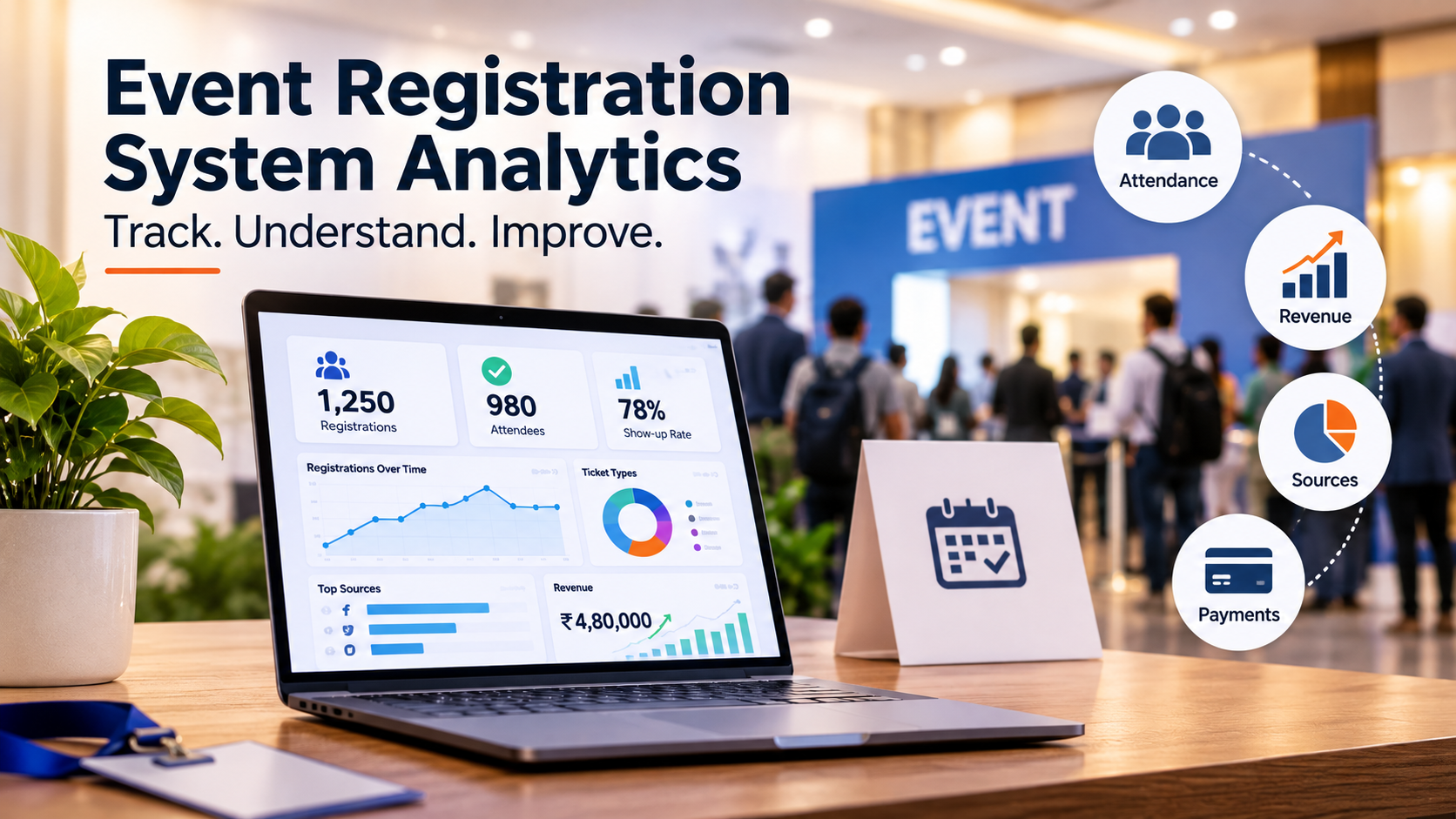
An event registration system should track far more than a headcount: who registered, who paid, who actually showed up, when they arrived and where they dropped off before finishing sign-up. These numbers tell you what worked, what leaked and what to fix before your next event.
Most organisers learn how an event went only when someone counts heads at the end. By then, every useful decision has already been made.
Here are the eight data points worth tracking, ranked by how much they help you decide.
What Data Should an Event Registration System Track?
A good event registration system should track registration trends, show-up rate, arrival times, ticket and revenue data, sign-up drop-off, registration sources, payment modes and access usage. Together, these show how people found your event, whether they came, and what each guest was worth.
Think of it as three questions: Who are my guests? How did they behave? What did it earn me? Each ranked item below answers one of them.
The 8 Data Points, Ranked by Decision Value
Rank 1: Show-up rate (registrations vs actual attendance)
Decision value: highest
This is the number most organisers never see. If 400 people register and 260 attend, your show-up rate is 65%. Calculate it as attendees divided by registrations, multiplied by 100. A low rate tells you to send better reminders, tighten your promotion or plan capacity more carefully.
Rank 2: Registrations over time
Decision value: very high
Plot sign-ups by day. A slow first week followed by a last-minute rush is normal for many events, but a sudden stall is a warning. Real-time data lets you push promotion while there is still time to change the outcome.
Rank 3: Check-in timing and arrival peaks
Decision value: very high
When did guests actually arrive? If 70% of your crowd walks in during one 20-minute window, you need more scanning lanes at that hour, not all day. Good event registration software timestamps every scan, so next year’s staffing is planned from evidence.
Rank 4: Ticket type and revenue
Decision value: high
Which ticket categories sold best, and how much did each earn? This tells you what to price, bundle or drop. A flexible event registration solution keeps free and paid categories in one record, so revenue is never reconciled by hand.
Rank 5: Drop-off during sign-up
Decision value: high
How many people opened your form but never finished? A high drop-off usually means too many fields, a confusing payment step or a slow page. Not all registration software shows this, so ask vendors directly before you commit.
Rank 6: Registration source
Decision value: medium-high
Did guests arrive from WhatsApp groups, Instagram, email or a poster QR code? Knowing the source shows where your promotion budget actually works, and where it quietly wastes money.
Rank 7: Payment mode
Decision value: medium
Online versus cash splits matter more in India than most dashboards assume. If a large share of your guests pay in cash, you need cash desks, records and reconciliation planned, not improvised.
Rank 8: Access usage
Decision value: medium
If your pass includes dining or special zones, track who actually used each. It shows whether those perks are worth offering next time, and helps you catch misuse.
Want to see what live event data looks like? Talk to the AccessEase team for a quick walkthrough.
Vanity Metrics vs Decision Metrics
| Metric | Type | Why |
| Total registrations | Vanity | Looks good, changes nothing |
| Page views | Vanity | Shows interest, not commitment |
| Show-up rate | Decision | Tells you how engaged guests were |
| Arrival peaks | Decision | Drives staffing and gate setup |
| Drop-off point | Decision | Shows exactly what to fix |
| Revenue by ticket type | Decision | Guides pricing next time |
Your Tracking Checklist
- Show-up rate calculated after every event
- Registration trend checked weekly during promotion
- Arrival times reviewed to plan next staffing
- Revenue split by ticket type
- Drop-off point identified on the sign-up form
- Source of registrations noted
- Cash and online payments separated
- Access usage reviewed for perks
Common Tracking Mistakes
Common Mistake: Trusting an event registration system that only exports a list of names, then trying to build insight from a spreadsheet at midnight.
- Counting registrations as attendance. They are not the same thing.
- Checking data only after the event. Live numbers let you act in time.
- Tracking everything, using nothing. Choose three metrics and act on them.
- Ignoring cash. Untracked cash sign-ups leave a hole in your revenue picture.
- Skipping the comparison. Data matters most when you compare one event with the next.
How to Read the Numbers: A 10-Minute Post-Event Review
After any event, spend ten minutes with your event registration system dashboard and answer four questions:
- What was our show-up rate, and is it better or worse than last time?
- When did the crowd arrive, and was our gate ready for that moment?
- Which ticket type earned the most, and which barely sold?
- Where did people abandon sign-up, and what is one fix we can make?
Write the answers down. Next event, you will start from evidence, not memory.
How AccessEase Puts This Data in Your Hands
AccessEase is event registration software built around how events actually run, so organisers do not have to change how they work. A small meet-up may need only free sign-ups, while a concert may need several paid ticket categories.
As an event registration system, AccessEase supports your tracking with:
- Real-time analytics: registrations and check-ins tracked as they happen.
- QR entry: a unique code per guest, delivered on WhatsApp, so every scan becomes a record.
- Free and paid events: multiple ticket categories, with online and cash registrations in one place.
- Access control: privileges such as dining linked to each guest’s code.
- Branded sign-up page: a registration experience that matches your event.
- Integrations and support: it fits your existing tools, with a team to help.
It is a practical event registration solution for organisers who want answers while the event is still running.
Ready to stop guessing and start measuring? Visit AccessEase and book a demo.
Conclusion
The best event data is the data you can act on. Track show-up rate, arrival peaks, drop-off, revenue and sources, and review them quickly after every event. Choose an event registration system that shows live numbers rather than only exporting names. AccessEase brings sign-up, WhatsApp QR entry, access control and real-time tracking into one platform, so every event leaves you smarter than the last. Ready to see your event clearly? Visit AccessEase and book a demo.
Frequently Asked Questions
What reports does event registration software provide after an event?
Event registration software typically provides reports on total registrations, attendance, check-in times and ticket sales, though depth varies by provider. AccessEase tracks registrations and check-ins in real time. Confirm exactly which post-event reports and export options AccessEase offers for your event during a demo.
How can an event registration solution help measure event ROI?
An event registration solution helps measure event ROI by recording registrations, payments and actual attendance, so you can compare revenue with costs and calculate cost per attendee. AccessEase keeps free and paid tickets, online and cash registrations, and live check-ins in one record, which gives you clean inputs for that calculation.
Do registration softwares show where attendees drop off during signup?
Some registration software shows where attendees abandon the sign-up form, but this is not universal. It is worth asking about before you choose. AccessEase offers a branded registration page and real-time analytics. Confirm with the AccessEase team whether sign-up drop-off reporting is currently available for your events.